

What’s the difference?
Compare Everycards with Anki, Kahoot! and Quizlet iPhone/iPad apps
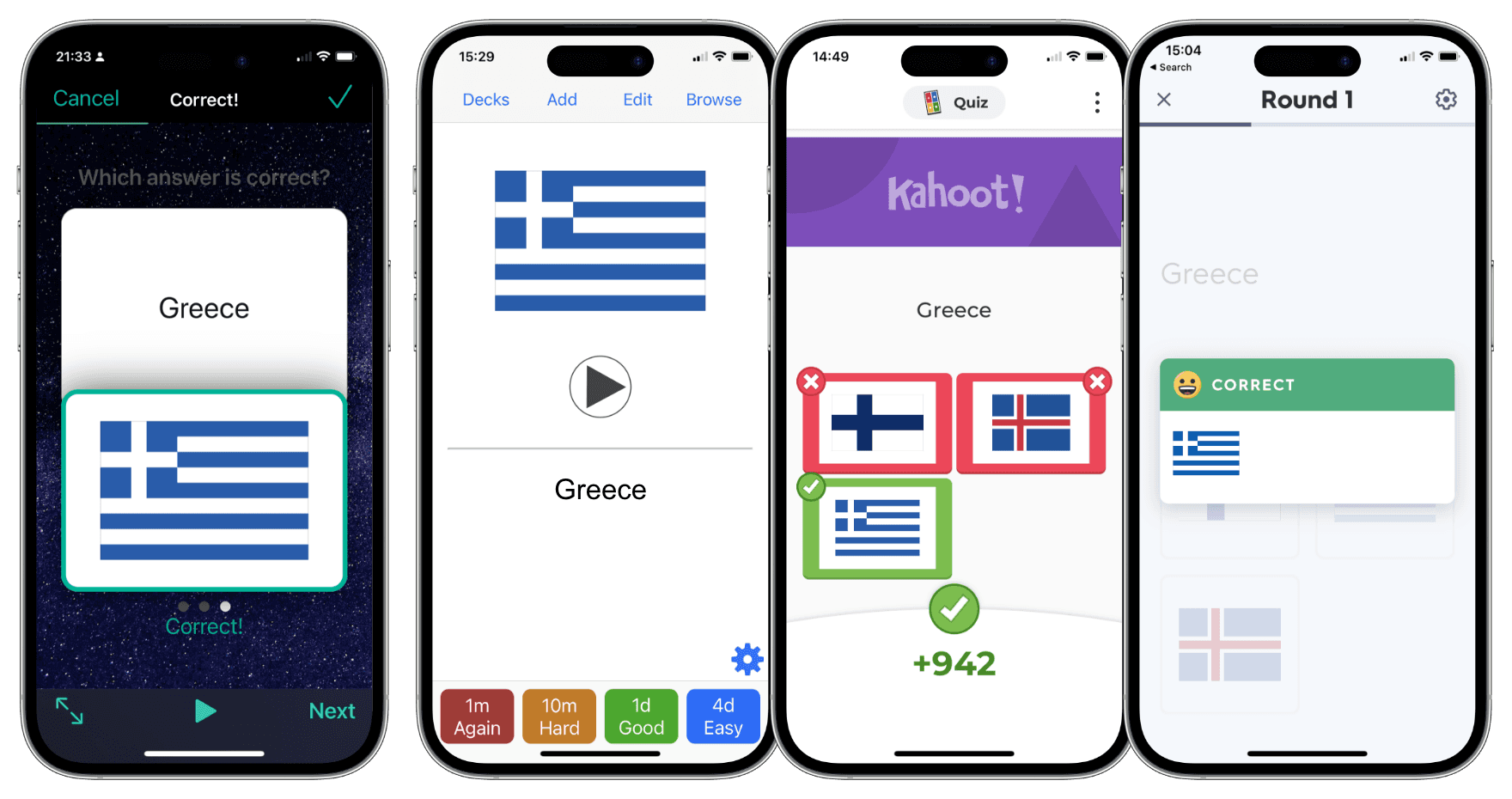
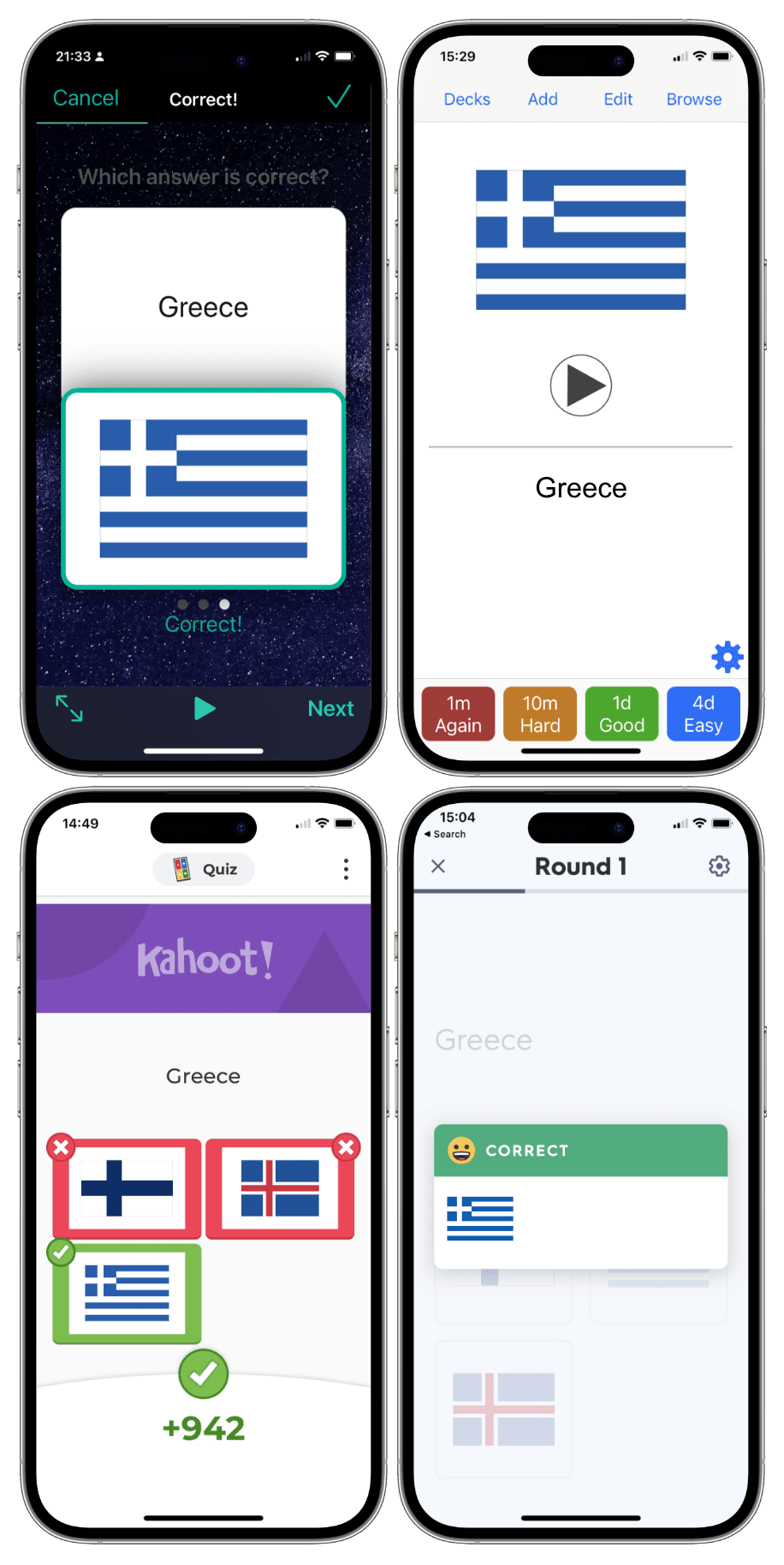
You might be interested in how Everycards differs from similar apps. Hopefully this article answers your questions.
In all of these apps, you can make flashcards, study them, and track your progress. You can learn more about their differences from the brief descriptions and table below.
Everycards
Everycards is a simple yet versatile flashcard and quiz app. It lets you create multi-level learning courses incorporating game elements or simply study existing ones.
With four learning modes — flashcards, quiz, hybrid and exam — Everycards works with various media types like images, audio records and hand drawings. Media and text can be used together as questions and answers.
Spaced repetition is easy to manage in Everycards thanks to its simple visual editor.
Everycards is inclusive, multilingual and private. Its interface is familiar to iPhone and iPad users.
Anki
Anki specialises in the spaced repetition system (SRS).
It is an effective method if you not only want to pass exams, but also aim to effectively repeat the material over a long period of time for strong memorisation.
In Anki, you can use all kinds of media, even formulas written in LaTeX format.
Anki however does not offer a quiz mode or group classes. Also, it has a rather specific logic and interaction interface, which will take a long time to master, which could be better spent studying.
Kahoot!
The Kahoot! app is best suited for large group lessons in a classroom setting.
With this app, you can either create your own multimedia quizzes on various topics or choose from a selection of ready-made quizzes and broadcast them to multiple players simultaneously.
Of all the apps presented here, Kahoot! creates the most fun and competitive atmosphere.
However, Kahoot! requires an internet connection even for self-study, and its algorithms impose several restrictions that slow down the user experience.
Quizlet
Quizlet is a popular platform not only for card-based activities, but also for textbook solutions.
In addition to quizzes, it has several learning modes suitable for both individual and group learning.
Quizlet has a large collection of flashcards created by regular users, as well as content designed by experts.
However, in the free version of Quizlet, you cannot use images, videos or sounds. You also have a very limited number of free uses for quizzes, textbook solutions, and other features.
The table below compares the differences between each app.
+ available
– unavailable
± partial implementation
$ paid feature

Everycards

Anki
Kahoot!

Quizlet
Ad-free learning
+
+
+
$
Offline learning
+
+
–
$
Group learning
–
–
+
–
Sync with multiple devices
–
+
+
+
Quiz learning
+
–
+
$
Quiz creating
$
–
+
–
Multi-questions
+
–
–
–
Multi-answers
+
–
$
$
Custom answers
+
–
+
–
Written answers
–
+
$$$
$
Export
$
+
–
–
Customisable user interface
+
+
–
–
Native iOS/iPadOS user interface
+
–
–
–
Everycards
Anki
Kahoot!
Quizlet
Using drawings
$
+
+
–
Using images
+
+
+
$
Using sounds
+
+
$
$
Sound recorder
$
+
–
$
Using video
–
+
+
$
Using formulae
$*
+
+*
–
Multilingual
+
±
±
±
Easy access to the OS dictionaries and thesaurus
+
–
–
–
Text book solutions
–
–
–
$
Expert-made sets
±
–
+
+
Authors can sell sets
+
+
–
–
Parental control
+
–
–
–
No registration required
+
±
+
–
Data is kept private
+
+
–
–
Base app (£)
0.99
–
Free
Free
Paid features (£)
19.99/
year
24.99
32.50–
76.00/
year
35.99–
44.99/
year
Everycards
Anki
Kahoot!
Quizlet
*Using handwritten formulae.
READ ALSO:
Essential information for beginners
The answer to the popular question
Once a month Everycards becomes FREE